
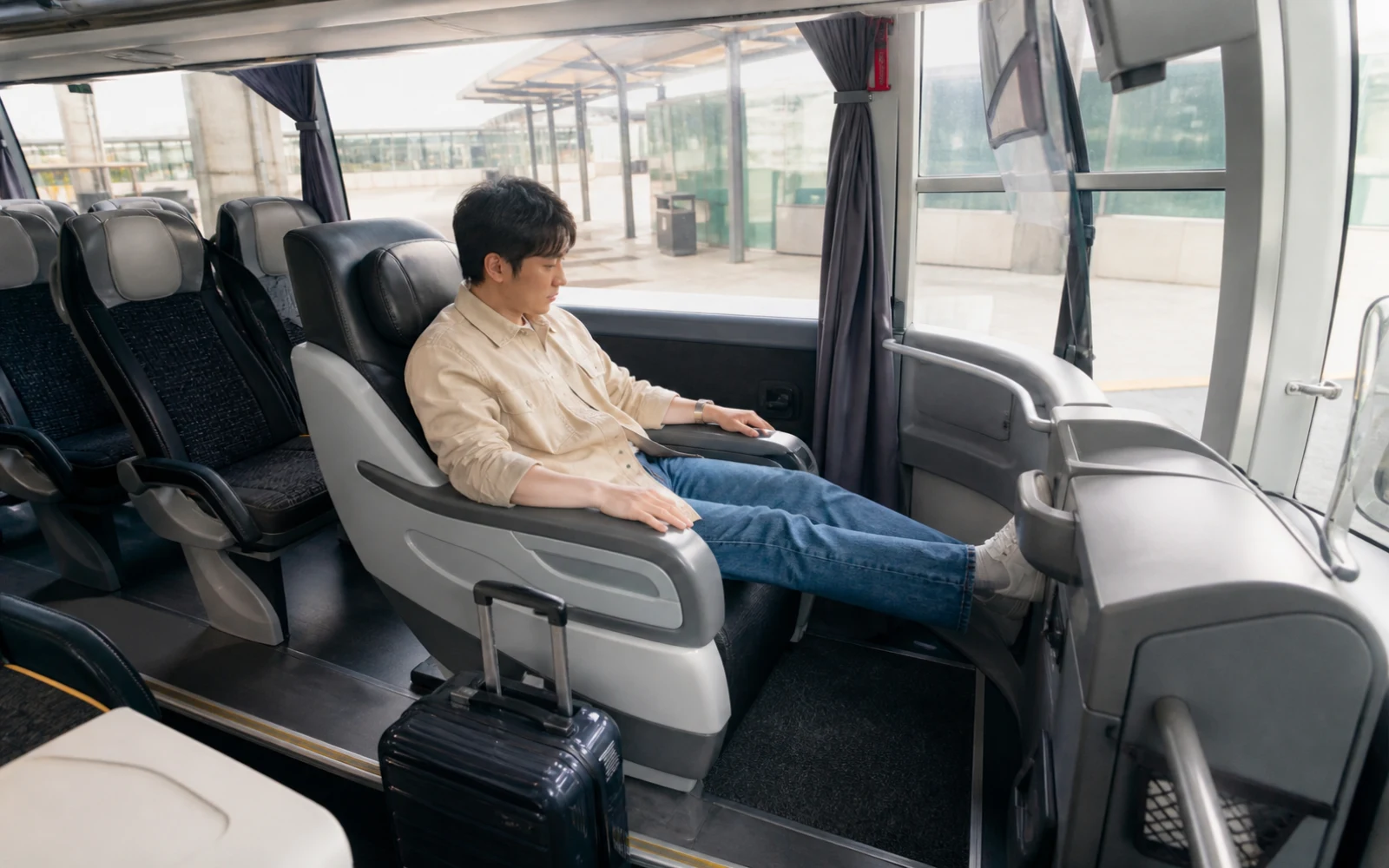
At a glance
- FlixBus’s official seat categories include Classic, Panorama, Front, and Table. Not every category is available on every departure; you can choose only seats actually shown on the seat map for your trip.
- Classic focuses on choosing a window, aisle, or seat next to your companion. Panorama focuses on forward views. Don’t expect a bed or extra-wide seat just because the option is called “premium”; read the seat map details.
- Extra fees vary by route, seat type, and booking time. Compare the total at checkout, including the base fare, seat selection, and baggage.
- The layout may not stay the same if the vehicle changes. If you don’t receive the seat service you booked, keep your booking number and seat payment details, then contact official customer support.
Day by day
Suggested itinerary
See each day's route, highlights, background and stay together in one place.
Check the stop address and departure time on the official app or website, and save the location on a map so you don’t confuse it with another stop in the same city.
Check the seat map, baggage allowance, and change and cancellation terms together on the booking page. Don’t assume the same layout will be available if the vehicle changes.
Recheck your departure stop and boarding time. Don’t schedule a flight or paid activity right after arrival in case of border delays or traffic.
How to fit it in
A good option for routes to smaller Central European cities where the bus offers a more direct connection than rail, or as an alternative when booking late.
Reality check
There may be several stops with the same city name. Save the departure address directly on a map.
Border crossings and traffic can add to the travel time, so don’t schedule a paid activity or flight right after arrival. For a late-night arrival, arrange safe transport from the stop to your accommodation in advance.
Seat selection, extra baggage, and flexible change options may cost extra on top of the base fare.
Take your passport and wallet with you when you get off the bus at a rest stop, and check when the bus departs.
If plans change
It may not be offered on that departure, or there may be no seats left to book. Compare the seat maps for other departures or choose a standard seat on your current departure.
Show your booked seat to the boarding staff and follow the seat assignment they give you. If you don’t receive a service you paid extra for, contact official customer support with your booking number to ask how it will be handled.
Small tip
Before paying extra for a front view or more space, read the actual seat map and restrictions for your departure.
Final check before departure
- Save the stop name and address on a map, not just the departure and arrival city names.
- Take a screenshot of the seat number and vehicle layout shown on the seat selection screen. Don’t assume that a “premium” label means a front seat or extra space.
- Check the included baggage, extra baggage, and change and cancellation terms on the same booking page.
- For a late-night arrival, confirm that you can get from the final stop to your accommodation and choose a backup place to stay before paying.
Seat selection lets you choose from the seats shown on that booking page. It doesn’t guarantee the same layout after a vehicle change or a stop at a rest area. Check the official page for the trip you plan to book for baggage and change terms.
Information checked: 2026-10-03