
At a glance
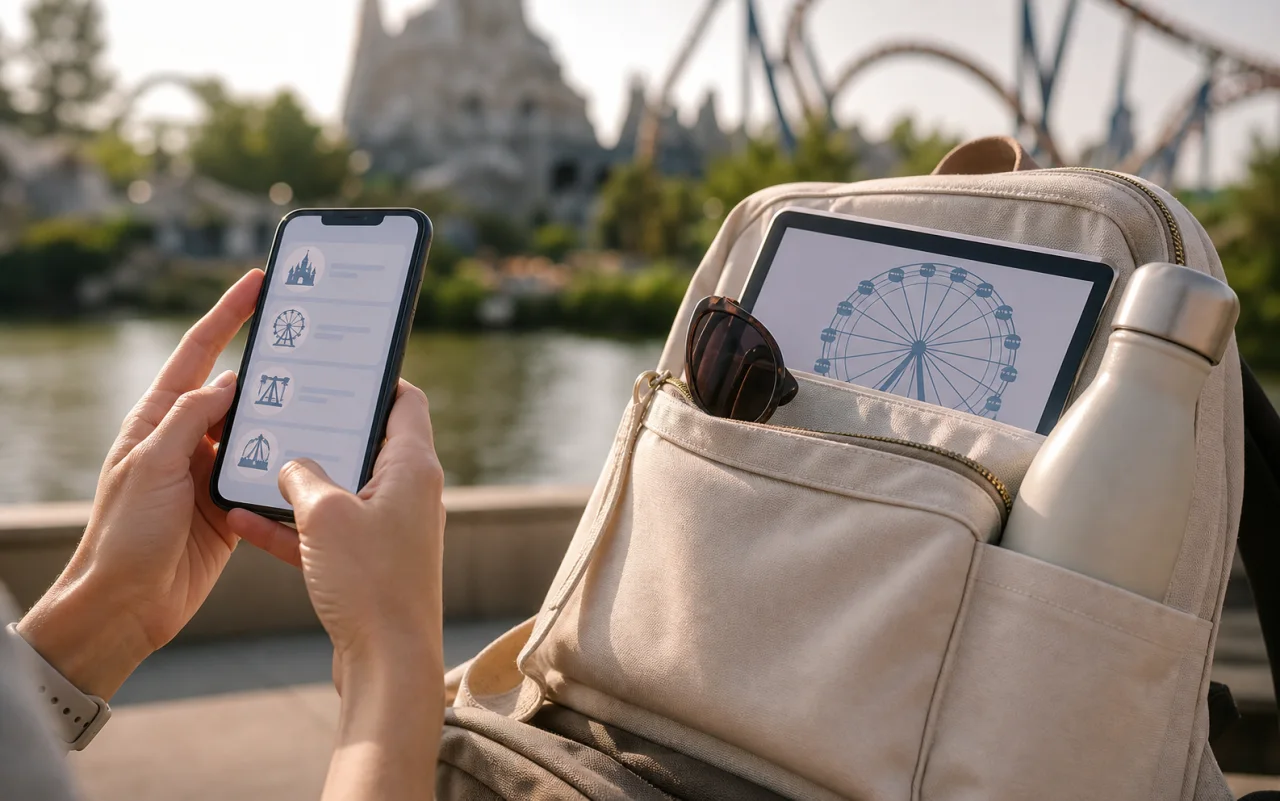
- If you’ve bought tickets, check the day before how to log in to the official app and display your tickets. Also be ready to show the code in your purchase confirmation email if you can’t use the app.
- After entering, check which attractions are operating that day and decide which experiences are your priorities. Plan nearby areas around your dining reservations, then narrow down your remaining options once in the afternoon.
- Eligibility and conditions for free and paid priority access services may change. Follow the service names and times shown in the official app on your visit day.
- Make sure your group knows how to display tickets if the app won’t open or a phone runs out of battery. Agree in advance on where and when to meet if you get separated.
- After linking your group, whenever you confirm dining, shows, or priority access, check that everyone’s screen shows the same time and number of people.
- Don’t travel to a distant area just to chase a shorter wait time. Compare nearby options based on your morning priorities and afternoon reservations.
- Disney Premier Access (DPA) is a paid, timed service and is separate from park admission. Standby Pass is a free service that lets you visit eligible facilities at a designated time; it is not the same as a fast-pass ticket. Entry Request is an application to attend an eligible show, and you may not be selected. Don’t assume the old 40th Anniversary Priority Pass is a current free way to ride attractions. Use the service list in the official app on your visit day.
Day by day
Suggested itinerary
See each day's route, highlights, background and stay together in one place.
Check that your ticket for your visit date appears in the official app, and prepare each ticket if you’re entering with companions. Check park hours and attraction closures in the operating calendar.
Scan your ticket to enter, then check the app for that day’s operating attractions and reservation options. Choose one must-do experience and one dining reservation as anchors, then pick nearby options in the same area.
Keep your route compact around your show and dining reservation times. Agree on a meeting place in case of app trouble or a low battery, and before leaving the park, check only your final train connection for the trip back.
Places and meals
Check Disneyland tickets and the operating calendar.
Google MapsCheck DisneySea tickets and the operating calendar.
Google MapsHow to fit it in
Right after entering, check operating status and wait times in the app to set your morning priorities. Use dining and show reservations as anchors, and group only attractions in the same area between them. If the app says an attraction is temporarily closed, don’t wait nearby based on a guessed reopening time. Turn on notifications and follow your planned route.
Reality check
Repeatedly crossing the same area on foot inside the park can wear you out quickly. Download the map and move in one direction. Allow time to get back to Maihama Station when planning your return.
It may take 10–20 minutes after entry to check the app and choose reservations. Set aside time for two meals and at least two breaks in your day. Plan to arrive in the relevant area 15 minutes before your reservation, and don’t count time spent walking while looking at your screen as travel time.
In the official list on 2026-10-03, DPA for Enchanted Tale of Beauty and the Beast costs ¥2,500 per person for one ride; Baymax and Splash Mountain cost ¥1,500 each. If two people choose Enchanted Tale of Beauty and the Beast, that adds ¥5,000; admission and meals are extra. Parades and shows may have different prices. DPA availability is limited, and you can’t make simple changes or cancellations after payment, so check everyone’s tickets, time slot, and height restrictions before paying.
Save ticket display instructions and a meeting place separately with your group in case the app fails or a phone runs low on battery. Even when using a portable charger, don’t walk with a cable dangling. If you’re separated from a child, ask a nearby staff member for help first instead of relying on an in-app message.
If plans change
If priority access isn’t available or is sold out, compare regular wait times in nearby areas and reduce the number of attractions you plan to visit. If the app is down for an extended time, check operating status on signs or with staff, and keep your route simple by sticking to your existing dining and show times.
If using your phone is difficult or someone in your group is tired, ask a staff member how to check tickets and reduce the number of attractions so you can stay together.
Small tip
After entering, add everyone’s park tickets to the group in the app and review each service’s price and time slot. The app shows when you can make your next DPA purchase, so don’t assume all services use the same interval. If your choice is sold out, switch to the regular queue or another attraction. Don’t buy tickets from unofficial sellers outside the park.
Final check before departure
- Before you leave, check the official operating and reservation conditions for your Tokyo Disney Resort visit date
Checked the official DPA list and app service information on 2026-10-03. Some attractions that were previously eligible for a free pass are now covered by paid DPA, so don’t rely on attraction lists or prices from old guides. Recheck closures, height restrictions, and availability in the app on the day of your visit.
Information checked: 2026-10-03