
핵심만 비교하면
- The pass is valid for 24 hours from the start time you choose, not for a calendar day. If it starts at 4 p.m., you can use it until just before 4 p.m. the next day.
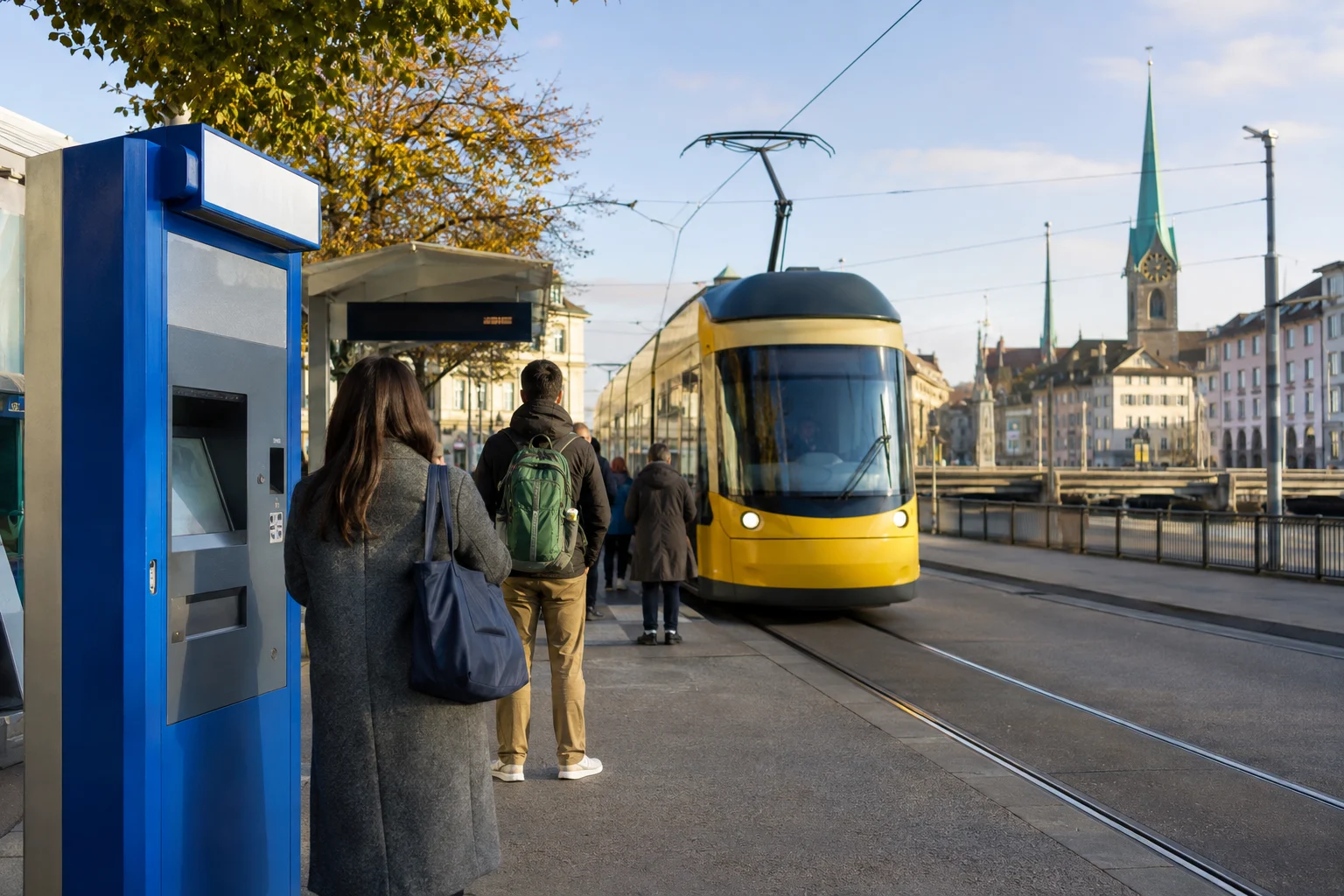
- You can buy it in the ZVV app, SBB Mobile, at ticket machines, or at station ticket counters. In the apps, search for your origin and destination, then choose a ticket type.
이 순서대로 이용하세요
1. Search for your destination
Search for your actual origin and destination in the ZVV app or SBB Mobile.
For travel within the city, use a 1–2-zone ticket; for trips between the airport and the city, use a 3-zone ticket.
2. Select a 24-hour pass
Select the 24-hour pass and set its start time to match your first ride.
It is valid in the selected zones for 24 hours from the start time you choose.
3. Be ready for ticket checks
Before boarding, check that your app ticket is active. If your ticket is checked, show the QR code and an official ID, such as a passport, that matches the name on the ticket.
For paper tickets, check the validity time and zone information.
비용과 주의사항
For adults traveling second class, the fare is CHF 9.40 for a 1–2-zone ticket and CHF 14.40 for a 3-zone ticket. Children aged 6 to 15.99 and passengers with a Half Fare discount pay CHF 6.60 for a 1–2-zone ticket and CHF 7.20 for a 3-zone ticket.
Buying a ticket in the app takes a few minutes, but check that it’s valid before your first ride. If you’re using a ticket machine for the first time, allow about 10 minutes.
For a ticket check, make sure you can open the QR code in the app right away. Personal electronic tickets are nontransferable, and you should carry an official ID that matches the name on the ticket. If you’re worried about your phone battery, bring a power bank or use a paper ticket.
알아둘 점It’s easier to search for your actual origin and destination than to work out the number of zones yourself. If your trip includes the airport, check that the checkout screen shows Zones 121 and 110, for a total of 3 zones.
지도에서 바로 열기
This is Zone 121. If you’re traveling between the airport and the city, check that you have a 3-zone pass.
Google MapsThe main station is in Zone 110. Zone 110 counts as two zones for fare calculations.
Google MapsThe map shows the main station. Inside the station, follow the “Tickets” signs to a machine or counter, then search for your destination using the English-language screen.
Google Maps계획이 달라졌을 때
If you’ll only take two or three rides
A 24-hour pass isn’t always the cheapest option. Compare its price with the total cost of single tickets in the app.
If app payment doesn’t work
As an alternative, buy a paper ticket at a machine at the airport or main station, and check that it covers 3 zones including the airport.
출발 전 확인
- If your trip includes the airport, check that you have a 3-zone pass.
- Set the start time to match your first ride.
- Check the app ticket’s QR code, an official ID such as a passport that matches the name on the ticket, and your phone battery.
Fares and zones are based on official ZVV information as of September 5, 2026. Before paying, check your actual origin and destination again in the app or at a ticket machine.
Information checked: 2026-09-06